IPv6 support
The last block of IPv4 addresses have been allocated, and it’s time to get your network ready for AAAA records.
c2n DDNSFlare is beautiful
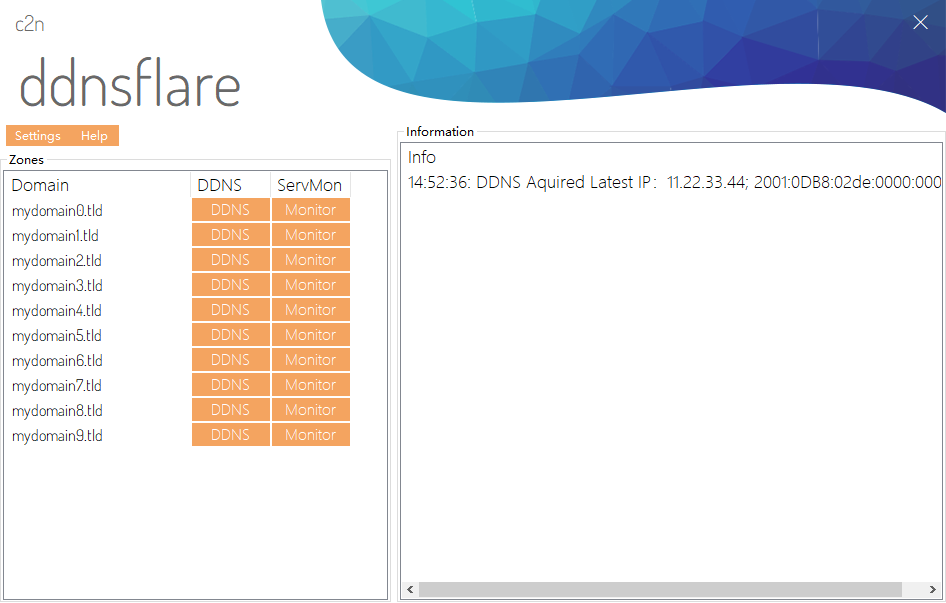
DDNSFlare is a Windows DDNS client for your Cloudflare account. It runs as a Windows service in the background and keeps updating your domain records whenever your IP is changed.
The last block of IPv4 addresses have been allocated, and it’s time to get your network ready for AAAA records.
DDNSFlare runs as a Windows service in background and starts automatically with your system.
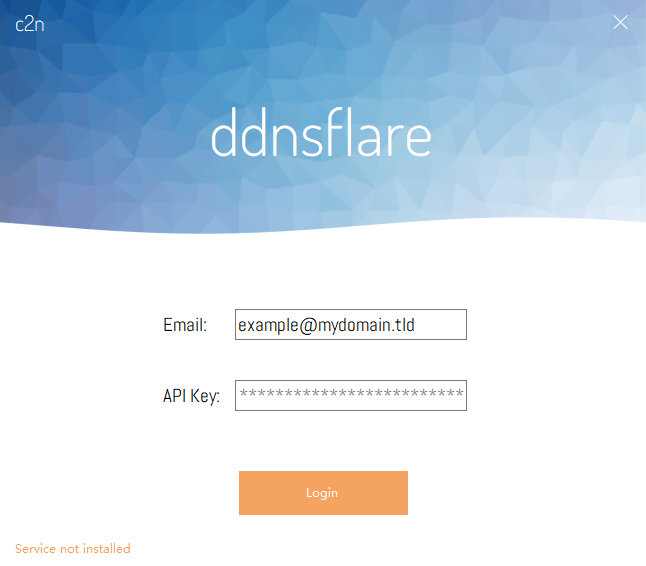
A beautiful and intuitive graphical user interface allows you to setup and configure your DDNS in minutes.
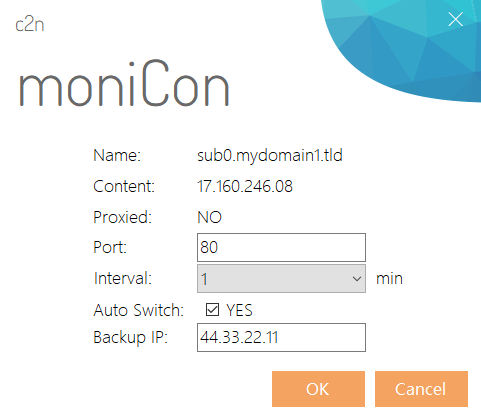
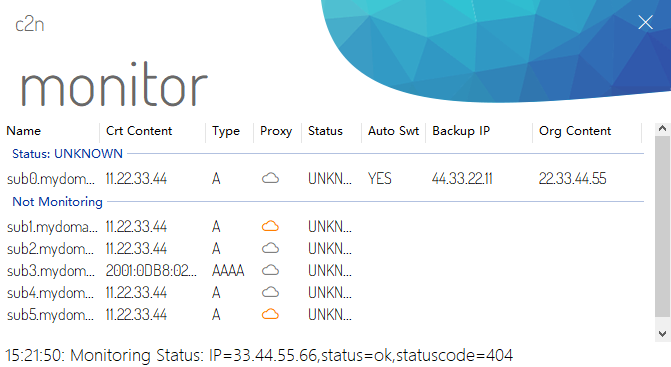
DDNSFlare monitors remote servers. In case of a server problem, domain records can be switched to alternative IP automatically.
You can configure any push notification or SMS notification to give you a notification when your IP address is changed.
DDNSFlare is a freeware! You do not have to pay anything to use it. But if you like it, consider buying me a coffee! XD
c2n DDNSFlare
Current release: v1.0.0.1
What makes DDNSFlare so great?
Auto start-up and keeps your IP updated in the background. No worry about system restart anymore.
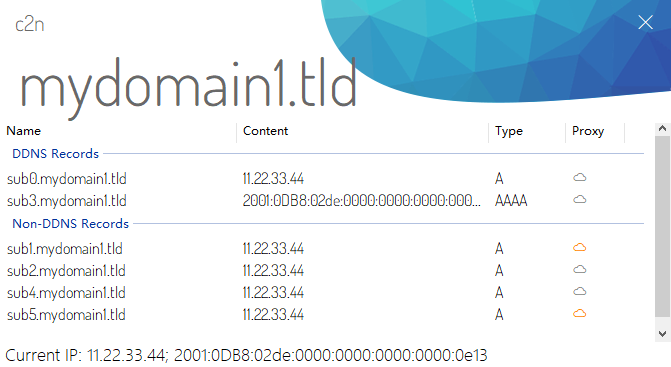
Supports multiple IP based record types, including the latest IPv6.
Uses the latest Cloudflare v4 API.
Notifies you whenever something is changed. You can use any push notification service you want.
Auto switch the record’s IP when your monitoring server is down.
No need to use username and password. Simply use your API key to get started.
c2n DDNSFlare
Supports A, AAAA and MX records. Keep your IP always updated.
c2n DDNSFlare
Monitor your local or remote server and setup a backup plan.